a hand tapping the touch screen of a konica minolta copier
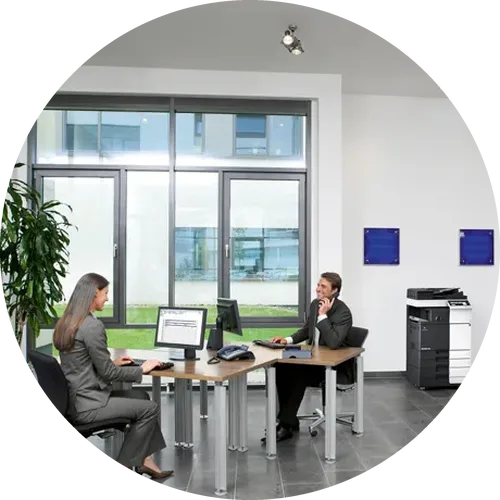
two people working at desks in an office with a copier
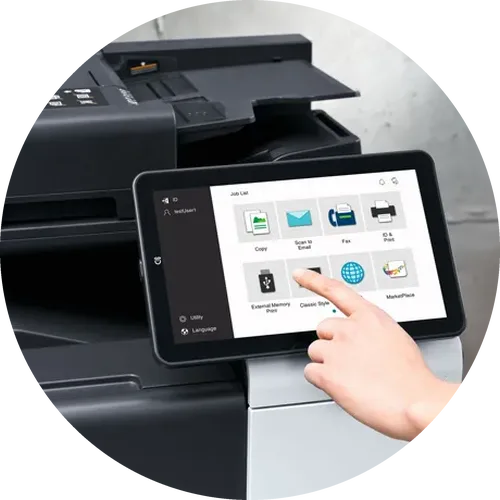
a hand tapping the touch screen of a konica minolta copier
Office Equipment

eGoldFax Cloud Fax Service for Missouri & Arkansas
Businesses

Your copier already scans. With eGoldFax®, it can fax without a fax kit or a fax phone line. Pearson-Kelly Technology offers this cloud fax service, so your team can also fax from email or a Windows desktop app. Keep your fax numbers, stop losing faxes to busy signals, and work with a local team in Springfield, Joplin and Rogers.

Request a Quote
two people working at desks in an office with a copier
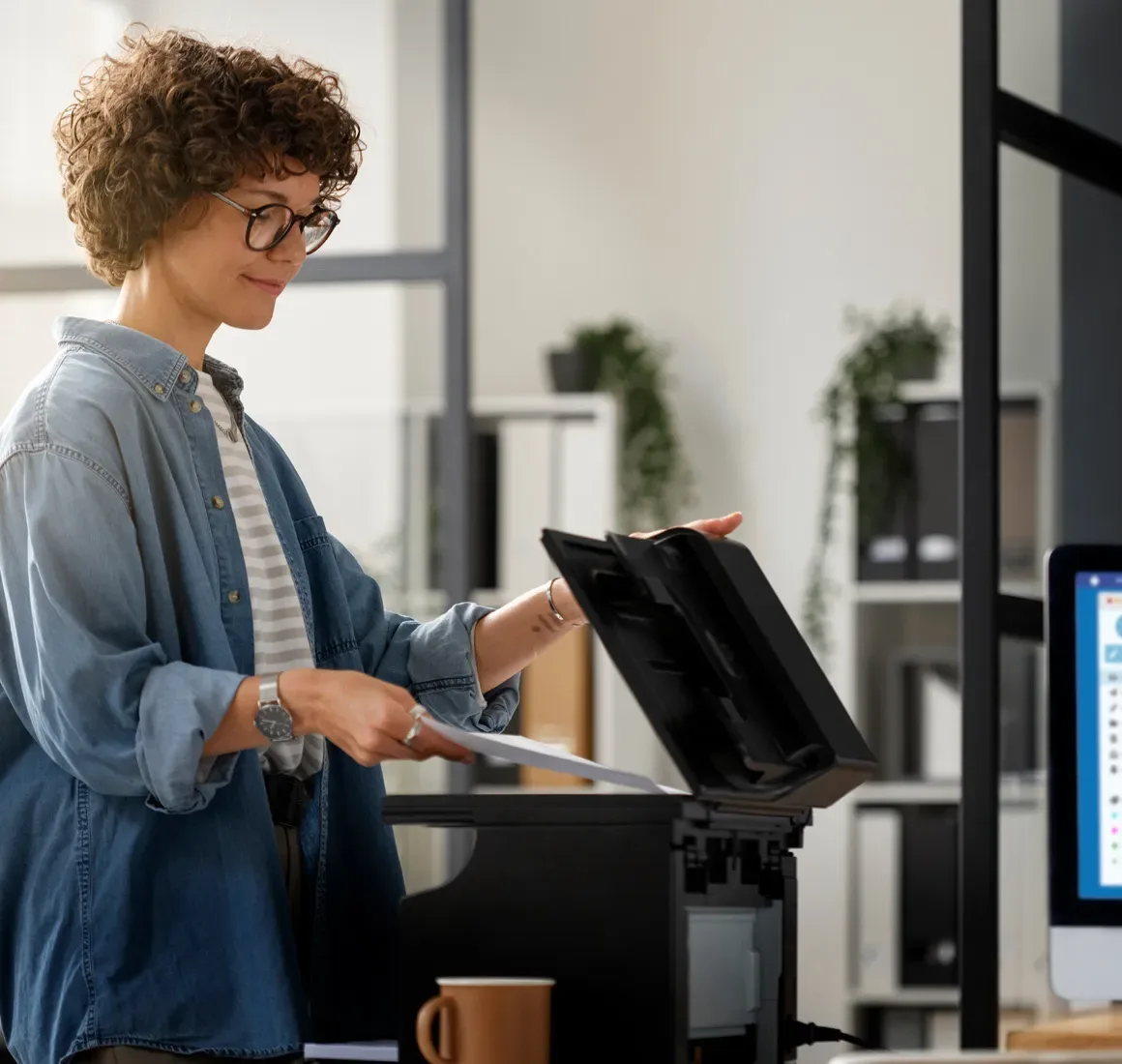
a woman scanning a document on an office copier

How the eGoldFax Cloud Fax Service Works

Cloud fax, also called digital fax or cloud-based fax, sends and receives faxes over the internet instead of through a fax machine and an analog phone line. Still faxing from a standalone fax machine? eGoldFax needs no fax machine or special equipment, so there is no fax kit in the copier, no fax line to pay for each month, and no waiting for a line to free up.

Your team can send from the copier's panel, or from email by attaching the file to a message addressed to the fax number at egoldfax.com. On Windows, use Print to Fax from any program, or the eGoldFax Desktop App. On a phone, email a photo of the page.

Received faxes arrive as PDF or TIFF email attachments, go to a network folder or printer, or show up in the Desktop App. You don't have to print them, which cuts the risk of someone else picking them up from the tray.

You get an email confirmation of each fax you send. The people you fax do not need eGoldFax. They will not know you switched.

See which copiers it works with
black line

Fax From the Copier
You Already Have

Pearson-Kelly offers Kyocera, Konica Minolta and Toshiba multifunction printers. eGoldFax works with all three without a fax kit or a fax phone line.

Kyocera: The eGoldFax Connector App runs on supported Kyocera HyPAS models (Series 3 and 4, and select ECOSYS models with the Kyocera WebKit browser) at no extra cost. It sends fax jobs over HTTPS, not email, with public and copier-specific address books, and confirmations can go to email, a printer or a folder.

Konica Minolta: Send from the device with the Konica Minolta Fax Template, or scan to email to the fax number at egoldfax.com.

Toshiba: Send from the device with Toshiba's Top Access Internet Fax mode, or scan to email.

Other brands: Scan-to-email works with all major copier brands, encrypted with TLS 1.2.

Every device, every user: Unlimited users and copiers at no extra cost, with document tagging and standard cover pages.

Not sure which models qualify? We check each device before you switch.

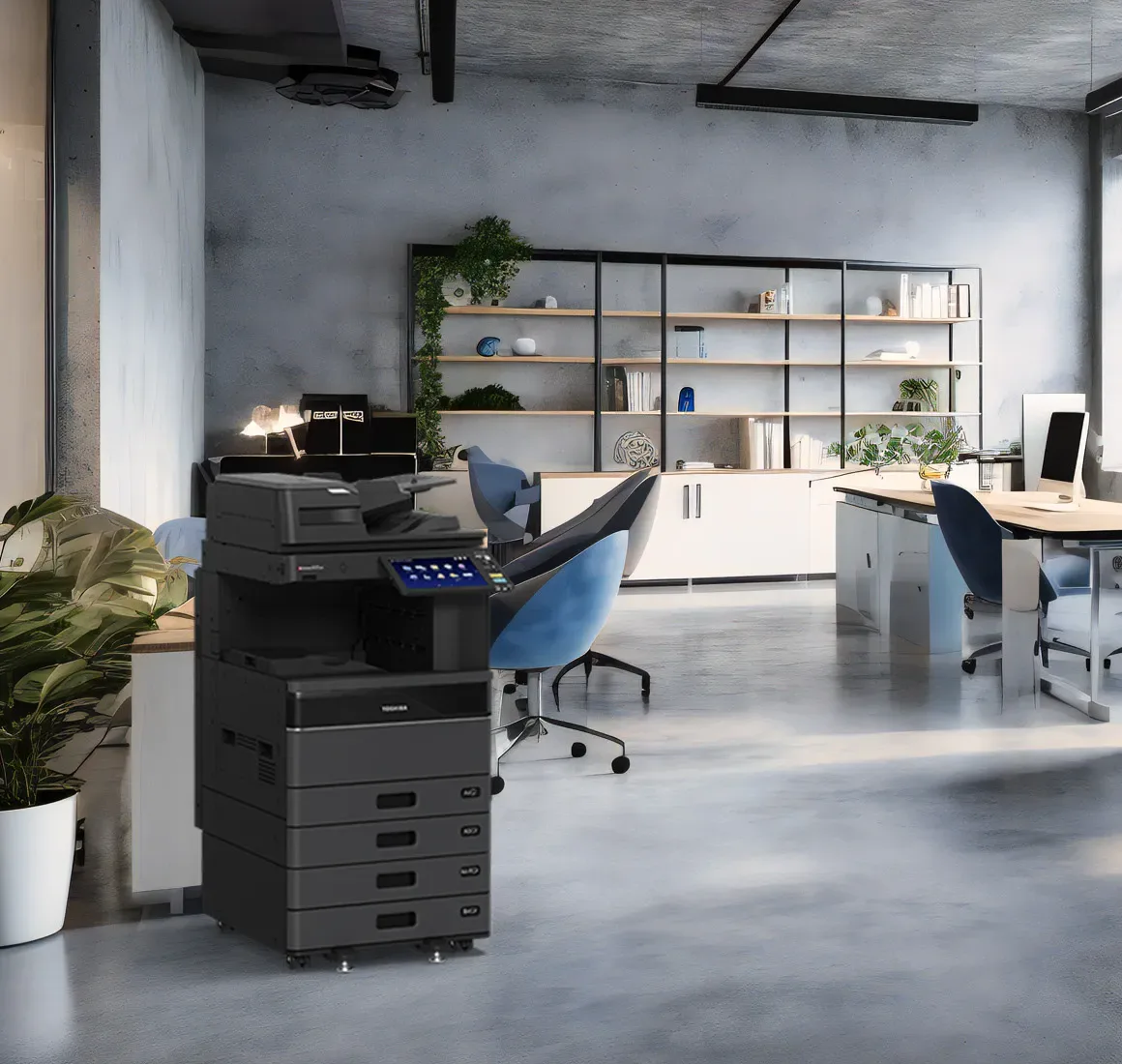
a toshiba copier in an office
3 green lines

Switching to Cloud Fax
in Three Steps

Most of the work is paperwork and setup, and our team handles it with you. Pearson-Kelly serves 1,500+ businesses across healthcare, legal, manufacturing, education and retail.

Book a Discovery Meeting
icon of a document on a computer screen

Review Your Fax Setup

We look at your fax numbers, copiers, users and monthly page volume, so you can see which fax lines and fax kits can go.

white circle of dots
icon of arrows around a gear wheel

Port Numbers and Set Up Copiers

You sign eGoldFax's porting authorization and send a copy of your phone bill. We set up your copiers, the Desktop App and fax routing.

check mark on a green circle

Go Live

Faxes start arriving where you routed them, and your team keeps using the same copiers. Do not cancel your current fax lines until the port is confirmed.

Why Get Cloud Fax
From Pearson-Kelly

1,500+ clients across Springfield, Joplin and Rogers

Check mark

We offer the copiers it works with: Kyocera, Konica Minolta, Toshiba

Check mark

One local team for fax, copiers, phones and IT

Check mark

Offices in Springfield, Joplin and Rogers

Check mark

Setup and number porting handled with you

Send, Receive and Store Faxes the Secure Way

Send From the Copier, Email or
Your Desktop

Email the fax number at egoldfax.com and your subject, message and email signature land on your custom fax cover sheet, which can carry your logo and a confidentiality statement. Attach PDF, Word, Excel and other files. The eGoldFax Desktop App for Windows is included at no extra cost, with Inbox and Sent folders and document tagging for search.

Get Started
Arrow
a man scanning a document on a konica minolta copierblue shapethree yellow lines

Receive Every Fax, With
No Busy Signals

One analog line means one fax at a time. eGoldFax takes multiple faxes at once on a single number, so a busy morning does not turn into missed faxes. It sends and receives through multiple redundant telecom carriers. Route each fax number to the right people, so each fax reaches only the intended person or department. You can also print received faxes on a network printer or save them to a network folder.

a woman getting a print from a desktop printer3 green lines

Encrypted and Archived for
Up to 10 Years

Faxes are encrypted in transit with TLS 1.2, and the Desktop App and Kyocera Connector App use HTTPS. Sent and received faxes go into a free archive as 256-bit AES encrypted PDFs for up to 10 years. eGoldFax is hosted in US-based Microsoft Azure data centers, and its admin portal uses two-factor authentication and gives you reports, tags and routing. eGoldFax is ISO/IEC 27001:2022 certified, audited by A-LIGN, and its telephony data center holds PCI DSS Level 1 certification.

What that means for your office:
Healthcare: eGoldFax will sign a HIPAA Business Associate Agreement (BAA), and says its service helps healthcare organizations meet HIPAA security requirements for faxed documents.
Legal: Get an email confirmation of each sent fax, with the time, page count and recipient number.
Schools: eGoldFax says it helps schools meet FERPA security requirements for student information.
Compliance also depends on your own policies, such as who can see faxes and where they go.

print management software on a computer screenthree blue linespink shape

Healthcare Faxes Routed
Into Your EHR

The eGoldFax for Healthcare Application, which eGoldFax describes as an enhancement to its cloud fax service, captures, classifies and routes faxed documents such as referrals and physician orders into your EHR or EMR. eGoldFax names Epic, Oracle Health (Cerner), Meditech, AthenaHealth, eClinicalWorks and NextGen, using HL7, FHIR, SFTP or shared folders. Ask us about availability for your practice.

a woman working on a laptop with notes on the desk3 orange lines

What eGoldFax Customers Reported

Eye Care Practice, Four Locations

Busy signals were delaying patient referrals. After switching, monthly fax volume rose from about 8,000-10,000 pages to over 15,000, and about 80% of users kept faxing straight from their copiers with the eGoldFax Connector App.

Law Firm, Two Offices

The firm faxed about 5,000 pages a month on one analog line per office, and staff queued to meet court filing deadlines. With the eGoldFax Desktop App, it now sends and receives at the same time and keeps a 10-year encrypted archive.

Credit Union, Three Branches

It ported its six existing fax numbers, added six more, and gave each of 12 employees a dedicated, secure fax line.

Results from eGoldFax case studies about eGoldFax customers. eGoldFax does not name these organizations. Your results will vary.

WebFax or eGoldFax? Which Fax Fits

Fax Inside Your Phone System

WebFax comes with Intermedia Elevate, the phone platform we deploy. Send and receive faxes through your email inbox, with no fax machine required. A good fit for Intermedia phone users who fax from their own inbox.

Business Phone Systems

eGoldFax Cloud Fax For Copiers And Teams

eGoldFax is a separate cloud fax service with no fax phone line. Fax from your copiers, share fax numbers across a team, keep the numbers you have, and keep sent and received faxes in an encrypted archive for up to 10 years.

Request a Quote

Already on Intermedia phones? Keep WebFax for individual users and add eGoldFax for your copiers and shared fax numbers.

Still Paying for Fax Lines and Fax Kits?
Let's Work Together!

Tell us how many fax numbers, copiers and users you have, and we'll quote eGoldFax cloud fax for your business. Prefer to talk it through? Book a free discovery meeting with our Springfield, Joplin or Rogers team.

Request a Quote
three green circlestwo green circles

We Have Answers For All Your Cloud Fax Questions

3 yellow lines

We have answers to all the common questions we encounter when a business is looking into cloud fax.

What is cloud fax, and how does eGoldFax work?

Cloud fax, also called digital fax, sends and receives faxes over the internet instead of through a fax machine and an analog phone line. With eGoldFax, your team sends faxes from email, the eGoldFax Desktop App for Windows, or a supported copier, and received faxes arrive as PDF or TIFF email attachments or go to a network folder or printer. The people you fax with do not need eGoldFax.

Can we keep faxing from our copiers?

Yes. eGoldFax works with copiers and multifunction printers without a fax kit or a fax phone line. Kyocera devices (HyPAS Series 3 and 4, and select ECOSYS models with the Kyocera WebKit browser) can use the eGoldFax Connector App over HTTPS at no extra cost. Konica Minolta devices send using the Konica Minolta Fax Template or scan-to-email, and Toshiba devices use Toshiba's Top Access Internet Fax mode or scan-to-email. Ask us which method fits each of your devices.

Is eGoldFax HIPAA compliant, and will it sign a BAA?

There is no official HIPAA certification for fax services. eGoldFax says its service helps healthcare organizations meet HIPAA security requirements for faxed documents, with encryption in transit, an encrypted archive and admin access controls, and eGoldFax will sign a HIPAA Business Associate Agreement (BAA). Compliance also depends on your own policies, such as who can see faxes and where they are routed.

Can we keep our existing fax numbers?

Usually, yes. Existing fax numbers can be ported to eGoldFax, and you keep ownership of them, so you can move them again if you ever leave the service. Porting needs a signed Letter of Authorization and a copy of your current phone bill, and we can check whether your numbers are portable before you switch. Do not cancel your current fax lines until the port is complete.

Is cloud fax secure?

eGoldFax encrypts faxes in transit with TLS 1.2, and its Desktop App and Kyocera Connector App use HTTPS. Sent and received faxes are kept in a free archive as 256-bit AES encrypted PDF files for up to 10 years. The service is hosted in US-based Microsoft Azure data centers, the admin portal uses two-factor authentication, and eGoldFax is ISO/IEC 27001:2022 certified, audited by A-LIGN.

How is eGoldFax different from WebFax on our Intermedia phone system?

WebFax is the email-based fax feature included with Intermedia Elevate, the phone platform Pearson-Kelly deploys. eGoldFax is a separate cloud fax service that does not need a fax phone line. It is built for faxing from your copiers, fax numbers routed to specific people or departments, an encrypted archive of up to 10 years and an admin portal with reporting. If you use Intermedia phones, you can keep WebFax for individual users and add eGoldFax for your copiers and shared fax numbers.

How much does cloud fax cost?

We quote cloud fax for your business. To prepare the quote, we ask how many pages you fax each month, how many fax numbers you need and how many people will use it. The eGoldFax Desktop App, the MFP Connector App, unlimited users and MFPs, and the encrypted fax archive are included at no extra cost.

eGoldFax is a registered trademark of DPD International.